 TryPrimero
A look from a reference photo
That lip-and-liner combo from a tutorial – transferred to your face, not a model’s.
Makeup
Natural, evening, smoky or the exact look from a tutorial – see it on your face before you open a single palette.
First try-on free · Results in seconds · Photos used only for your try-on
A clear, front-facing photo of your face in even light, without heavy makeup. The look is applied to this photo; your features stay yours. It is used only to make this try-on and never for anything else.
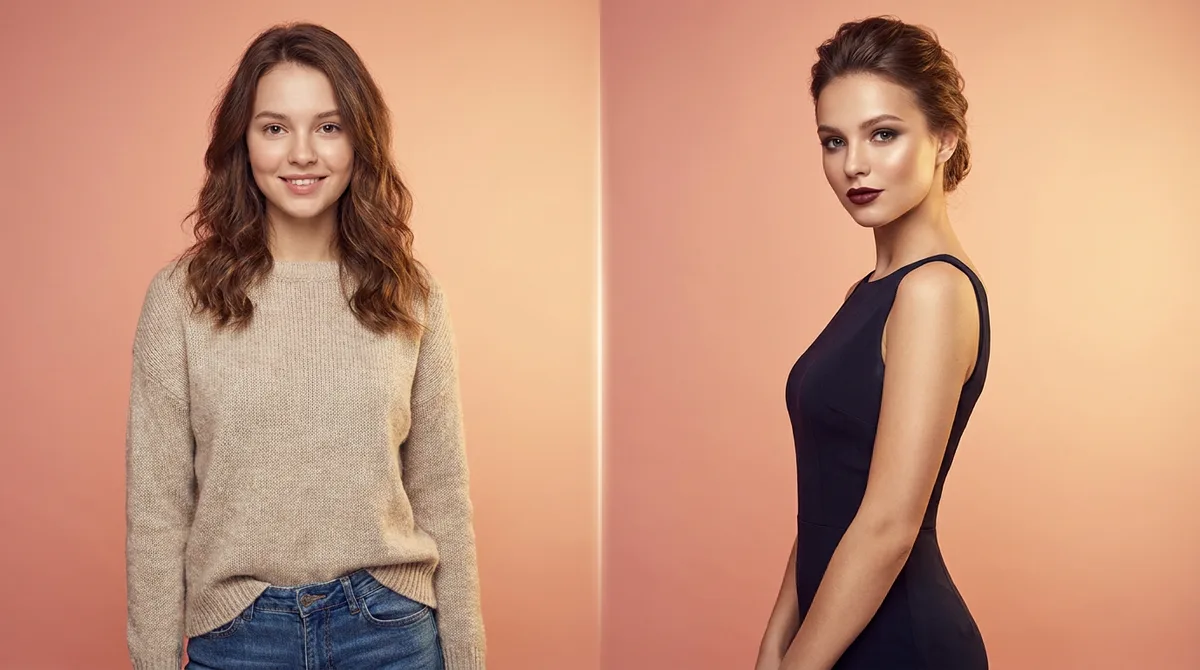 BeforeAfter
Bare face or everyday makeup both work as a base.
Natural, evening, smoky, bold – or a look you saved from Instagram or a tutorial.
Save the looks that work and recreate them with confidence.
That lip-and-liner combo from a tutorial – transferred to your face, not a model’s.
Identity-lock keeps your face recognizable; only the makeup layer changes.
Test the evening look days before the date, not an hour before.
Find out a shade family suits you before buying it.
Yes, upload the photo of the look and TryPrimero applies it to your face.
Yes. Identity-lock preserves your features; the makeup is applied on top.
Natural everyday, elegant evening, smoky eye and bold vibrant – plus any look from a reference photo.
Your first try-on is free.