 TryPrimero
See it on you, not a stock model
Fit and style are judged on your own body, pose and proportions – they are preserved in the result.
Clothes
Stop guessing how it will look. Try any outfit on your own photo, or put it on an AI model.
First try-on free · Results in seconds · Photos used only for your try-on
A photo of you, front-facing, in good light, at least from the waist up – full length if you want to try on bottoms or shoes. The outfit is drawn onto this photo; your face and body stay yours. It is used only to make this try-on and never for anything else.
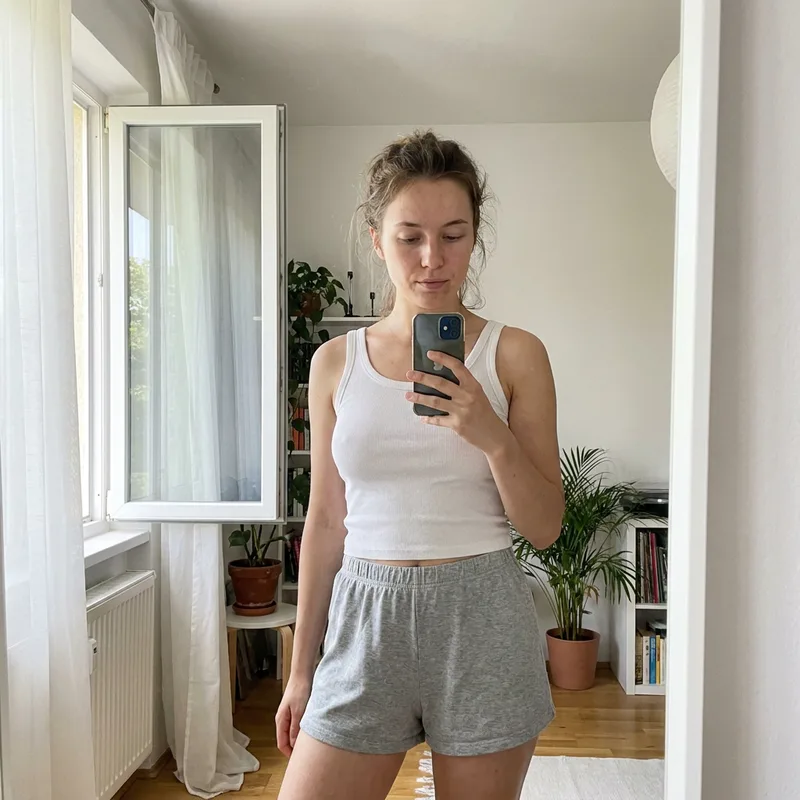
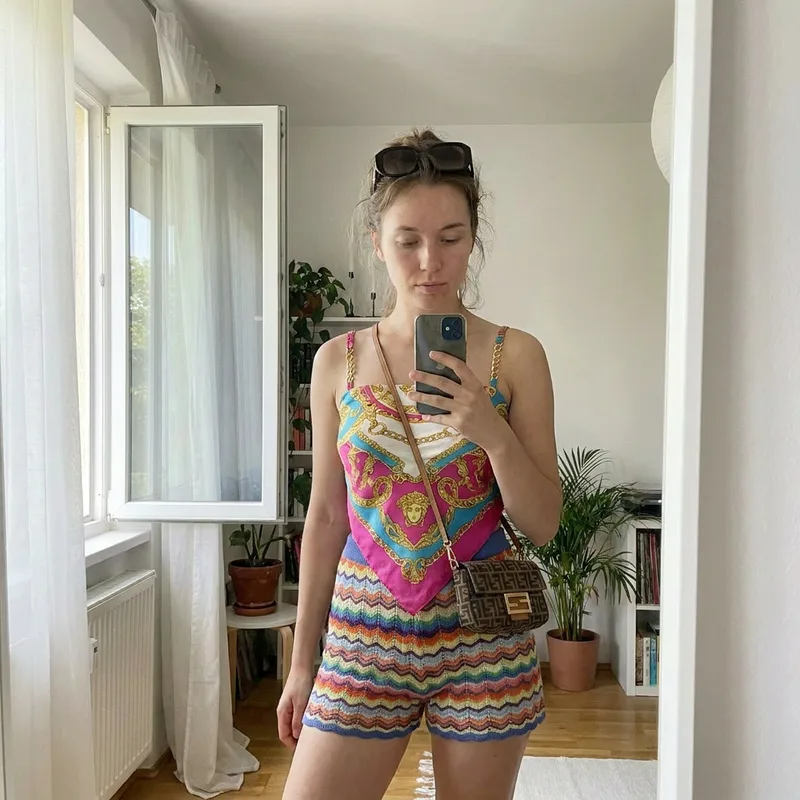 BeforeAfter
Or choose an AI model if you prefer not to use your own picture.
Pick an item or paste a product image straight from a store page.
Compare fits and save the looks you like.
Fit and style are judged on your own body, pose and proportions – they are preserved in the result.
A ten-second try-on answers the question a size chart cannot: does it suit me?
Paste or upload the product image – a screenshot from Instagram works too.
Show your product on a realistic AI model without booking a studio.
Yes, paste or upload the product image.
Yes, pose and proportions are preserved.
Clear, front-facing, even lighting.
Yes, pick a model and dress it in any item.