 TryPrimero
Going blonde is a commitment
Bleach damage and salon hours are hard to take back. A preview costs seconds.
Hair color
Blonde, copper, ash or pink – see the shade on your own hair before a single drop of dye touches it.
First try-on free · Results in seconds · Photos used only for your try-on
A photo where your hair is clearly visible, in daylight if you can. Only the hair colour changes; everything else stays as it is. It is used only to make this try-on and never for anything else.
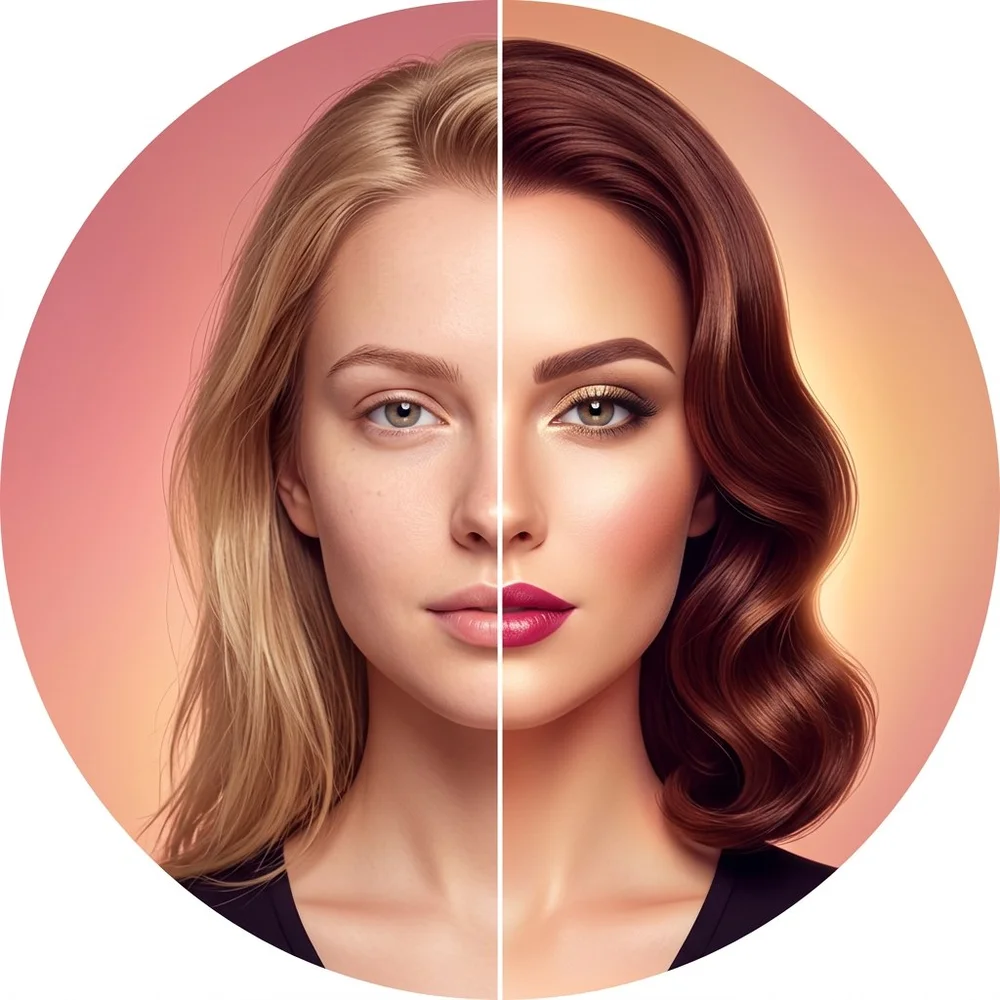 BeforeAfter
Natural light shows the shade most accurately.
Blonde, brunette, copper, pink, ash, ombre – or the exact color you found online.
Try several, save the ones that suit you, bring them to the colorist.
Bleach damage and salon hours are hard to take back. A preview costs seconds.
The same copper reads differently on every complexion – see it on yours, not on a swatch.
Not just flat colors: root-to-end transitions render naturally.
Identity-lock changes only the hair color; face and features stay untouched.
Yes – upload one photo and flip through blonde, copper, ash or pink in seconds, rendered on your own hair.
The shade follows your real hair texture, lighting and shadows, so it reads as a photo, not a filter.
Yes, upload the reference photo and TryPrimero transfers that shade to your hair.
Yes. Light shades on dark hair render as they would after salon lightening.
Your first try-on is free.